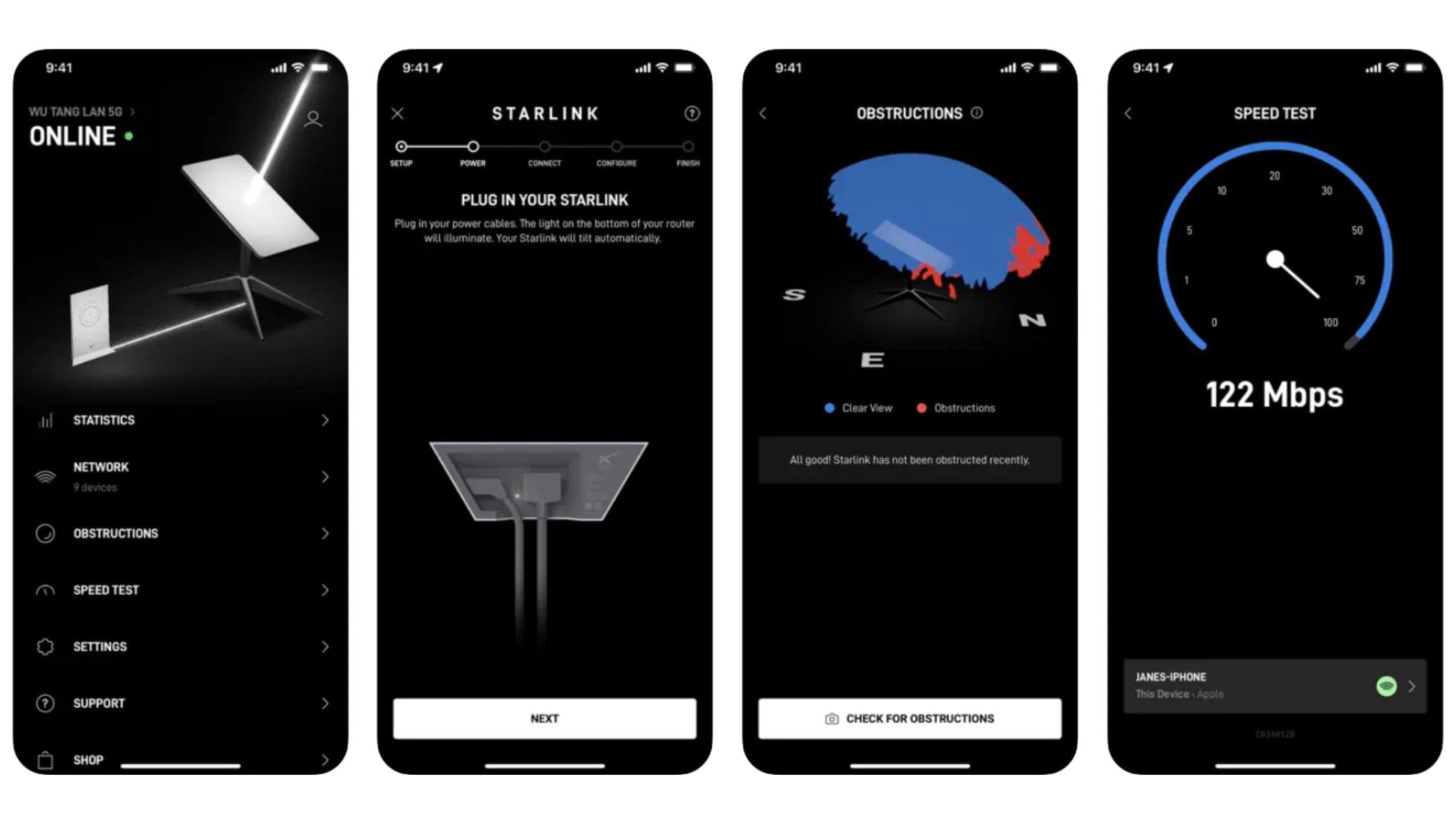
Use the Starlink app to follow setup, check obstructions, inspect connection status, and find support. Menus vary with the app version and hardware. Follow the current in-app prompts if they differ from an older screenshot.
Tutorials
Stuck with something? We're here to help.
17 results
Tutorials5 min read
Sign in to the account that owns the service line and review the subscription management options. Check the effective date and any rental or promotional conditions before confirming. Pausing and cancelling can have different billing consequences.
Start with the app’s exact status message, power supply, and cable connections. Check for visible damage without opening powered equipment. If the app can’t communicate with the dish after basic checks, use the matching support instructions for your kit.
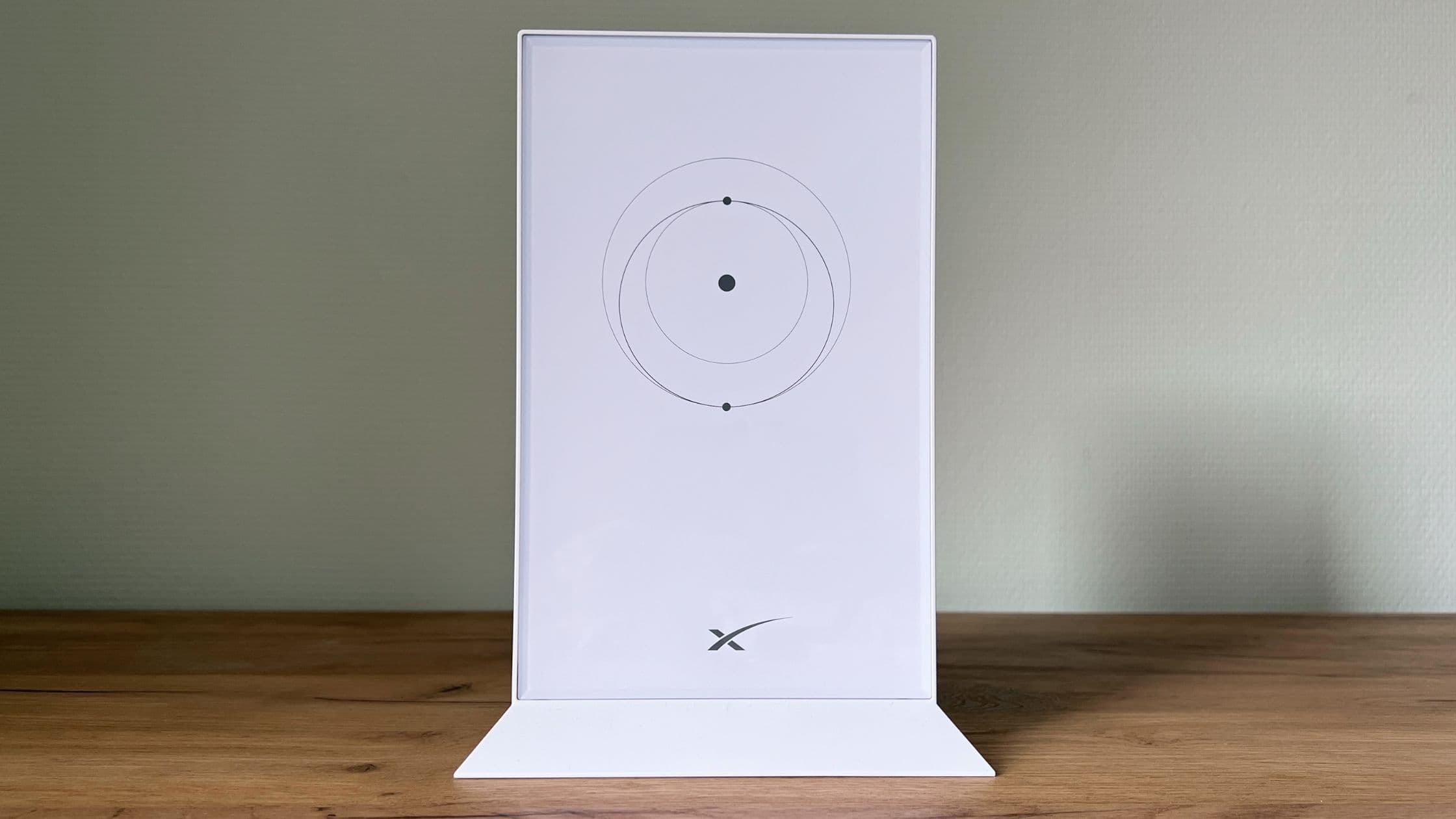
Open the Starlink app while connected to the correct network and find the available router settings. Some controls depend on the hardware and account connection. Check the current help instructions before resetting a router just to reach a setting.
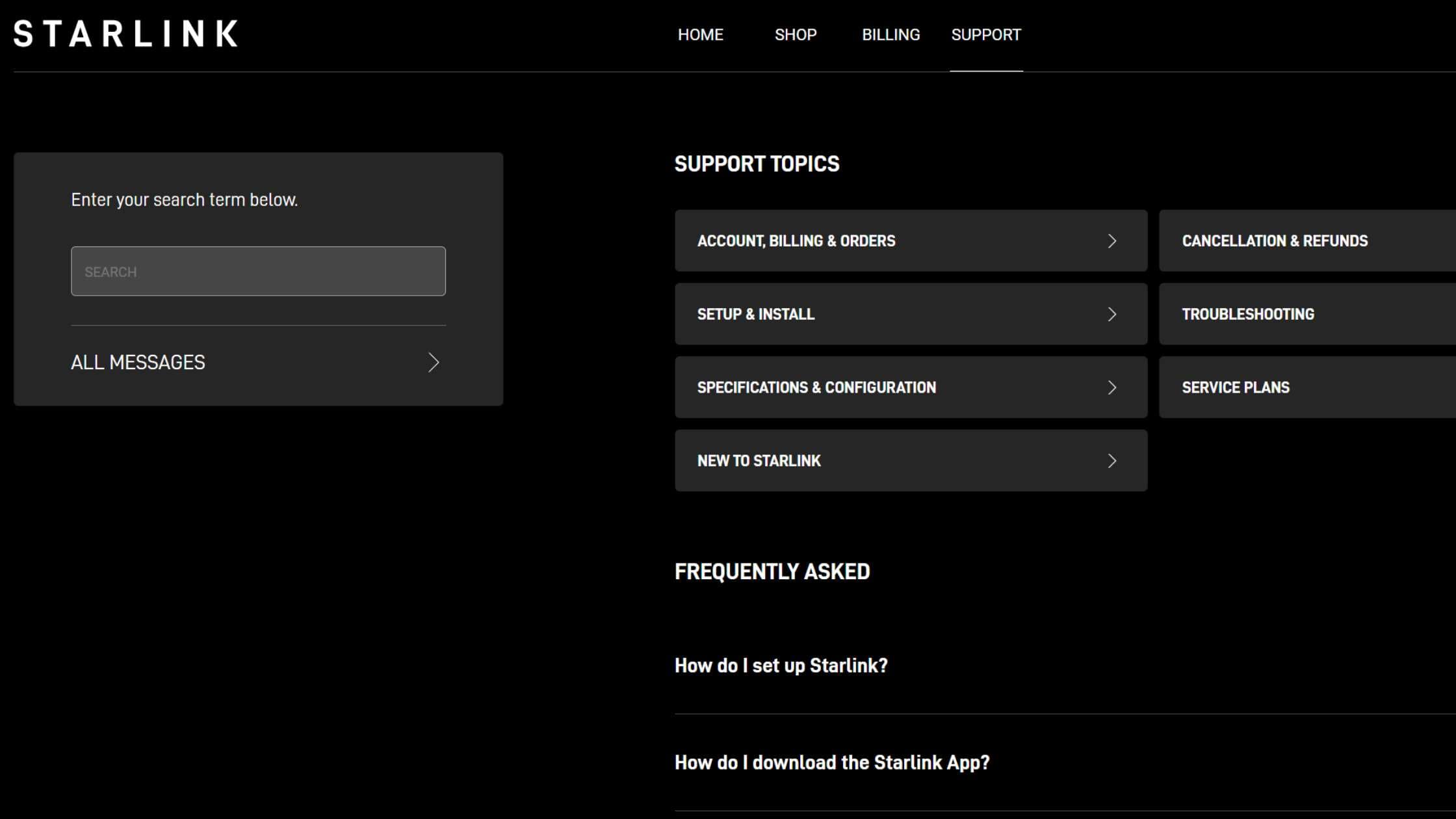
Start in Starlink’s Help Center, choose the topic that matches the problem, and use the contact options shown for your account. We can explain the process, but Starlink Insider can’t access your account or resolve a billing dispute.
Tutorials7 min read
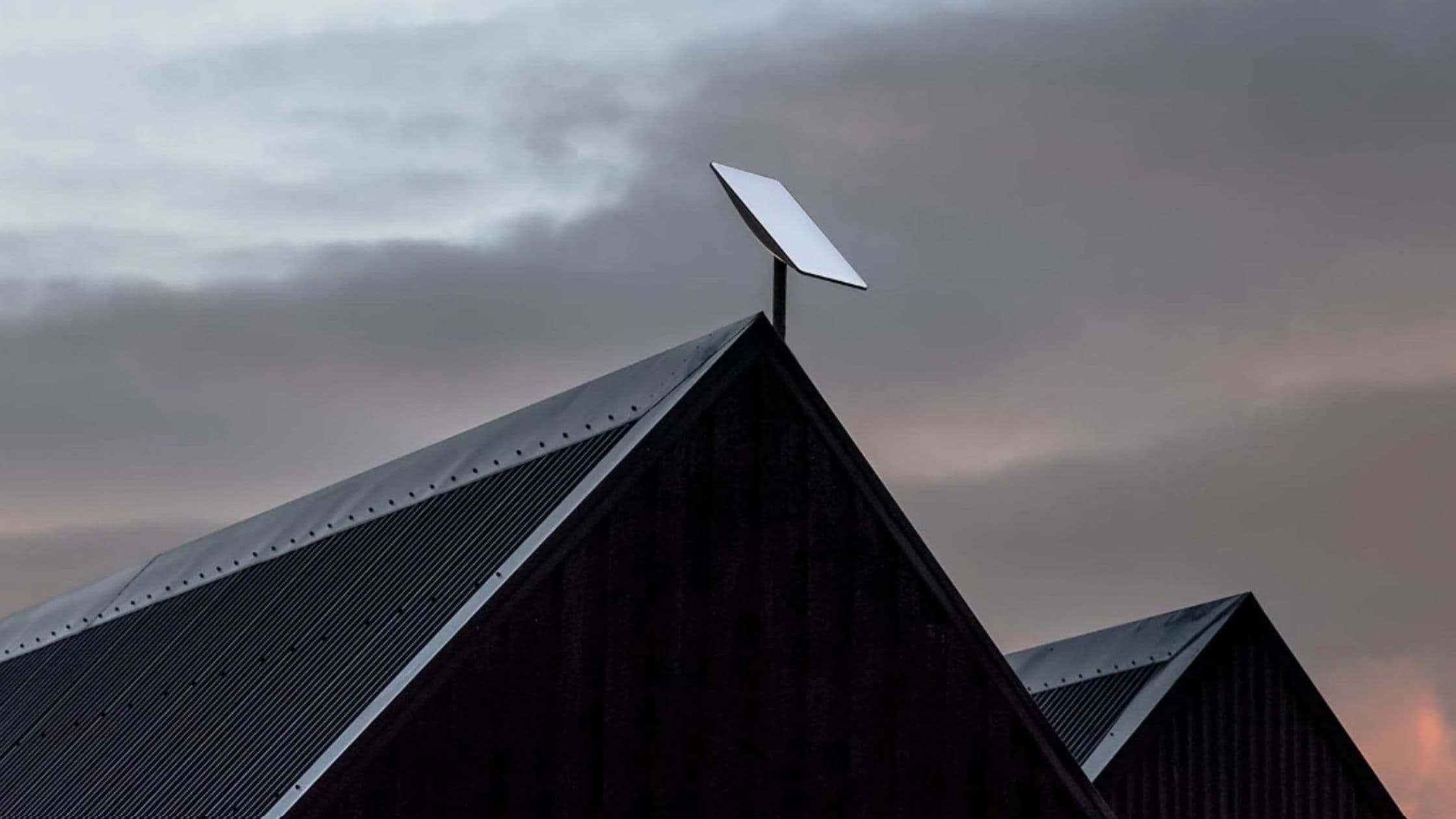
Identify your kit, download the Starlink app, and check the intended location for obstructions before mounting anything. Follow the setup guide supplied for that exact model. Roof work, cable routing, and weatherproofing may need a qualified installer.
Sign in to your Starlink account and open the order details for the relevant kit. Use the carrier’s tracking link once available. An estimated shipping window can change; a payment receipt alone doesn’t establish that a package has shipped.
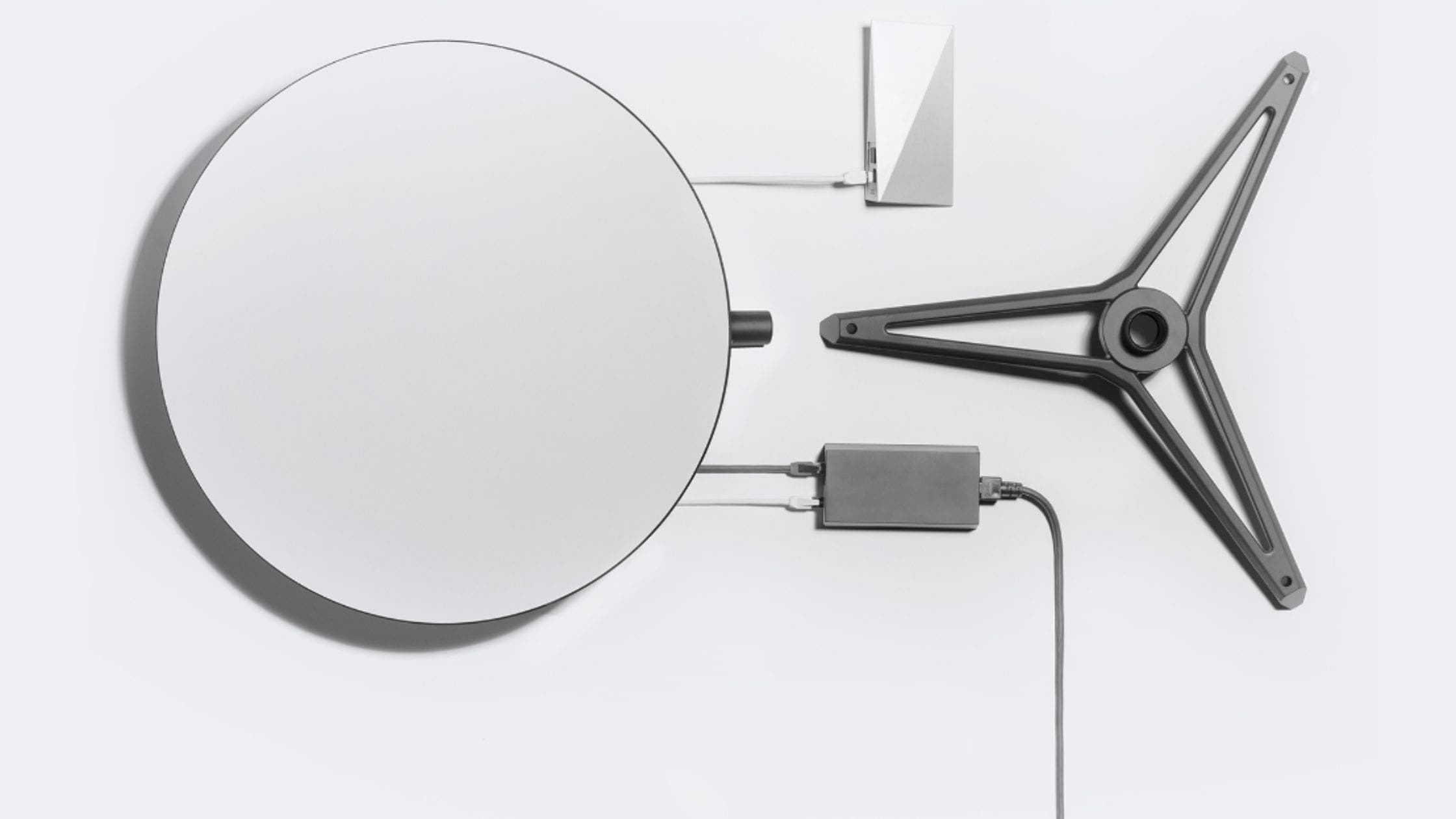
Look for a rental option in the official order flow for your address. Availability and kit terms vary. Compare the monthly rental charge, upfront fees, return requirements, and plan conditions with the cost of buying hardware.
Watch local channels with Starlink using an antenna or streaming service. Compare current options and fix YouTube TV, Hulu, and other location errors.

Start with a clear view of the sky, secure cabling, and a suitable router location. Use the app to distinguish obstructions, Wi-Fi issues, and service problems. Check your model’s instructions before copying a setting or accessory recommendation.