
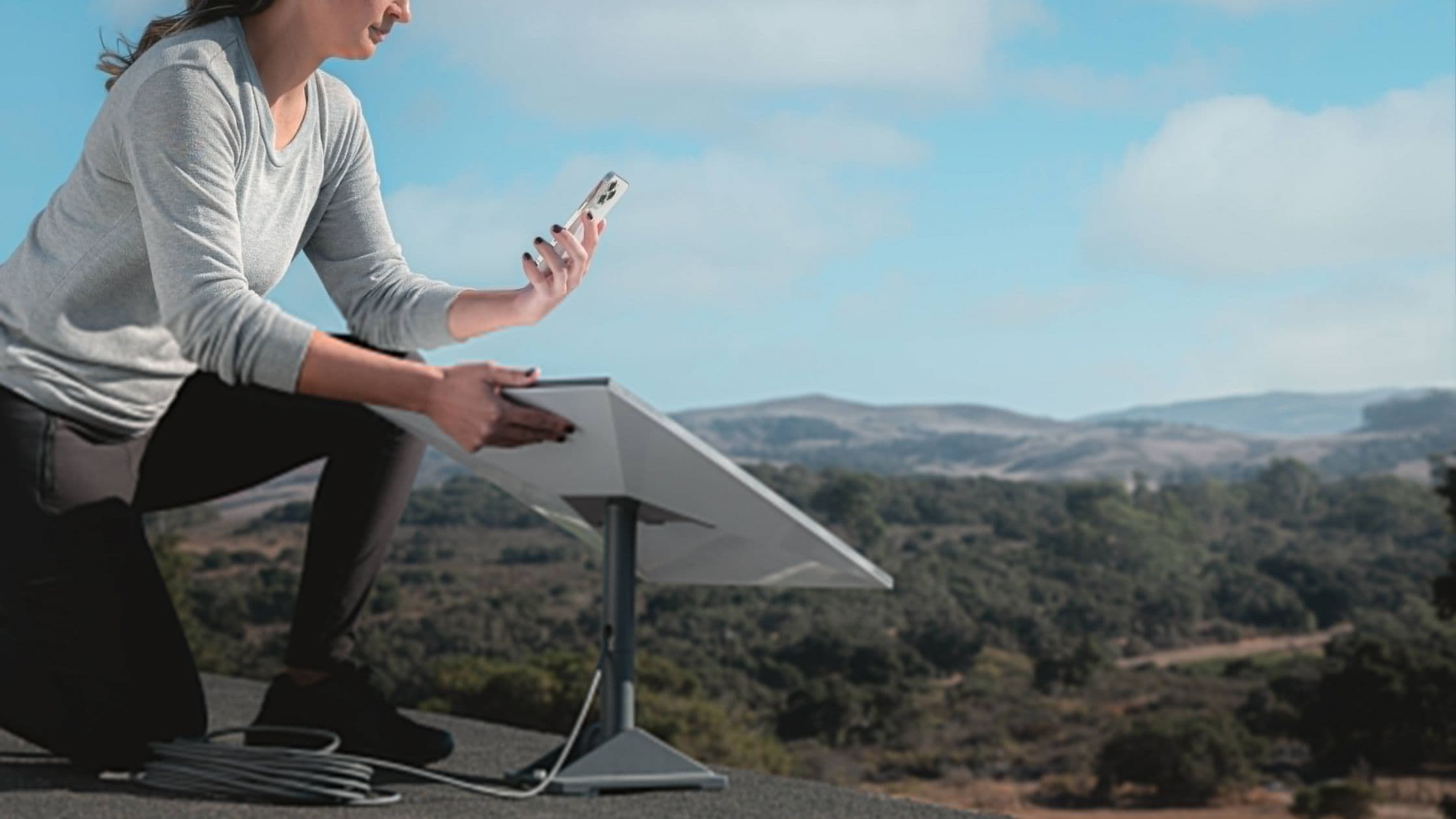
Starlink just achieved two major milestones in Australia, namely crossing 200,000 customers as well as introducing the newest antenna and router. This represents an increase of 80,000 customers from May 2023 when SpaceX…
Information
Whatever is worth knowing in the world of Starlink.
28 results

This review describes Lennox’s experience in Kenya when it was written. It isn’t a new test of today’s service. Use it to understand the practical tradeoffs, then check current pricing and availability for your address.

Information13 min read
Compare the actual offers at your address: total monthly cost, equipment terms, data priority, and expected latency. A provider’s advertised maximum speed doesn’t tell you how a connection will perform during busy hours.
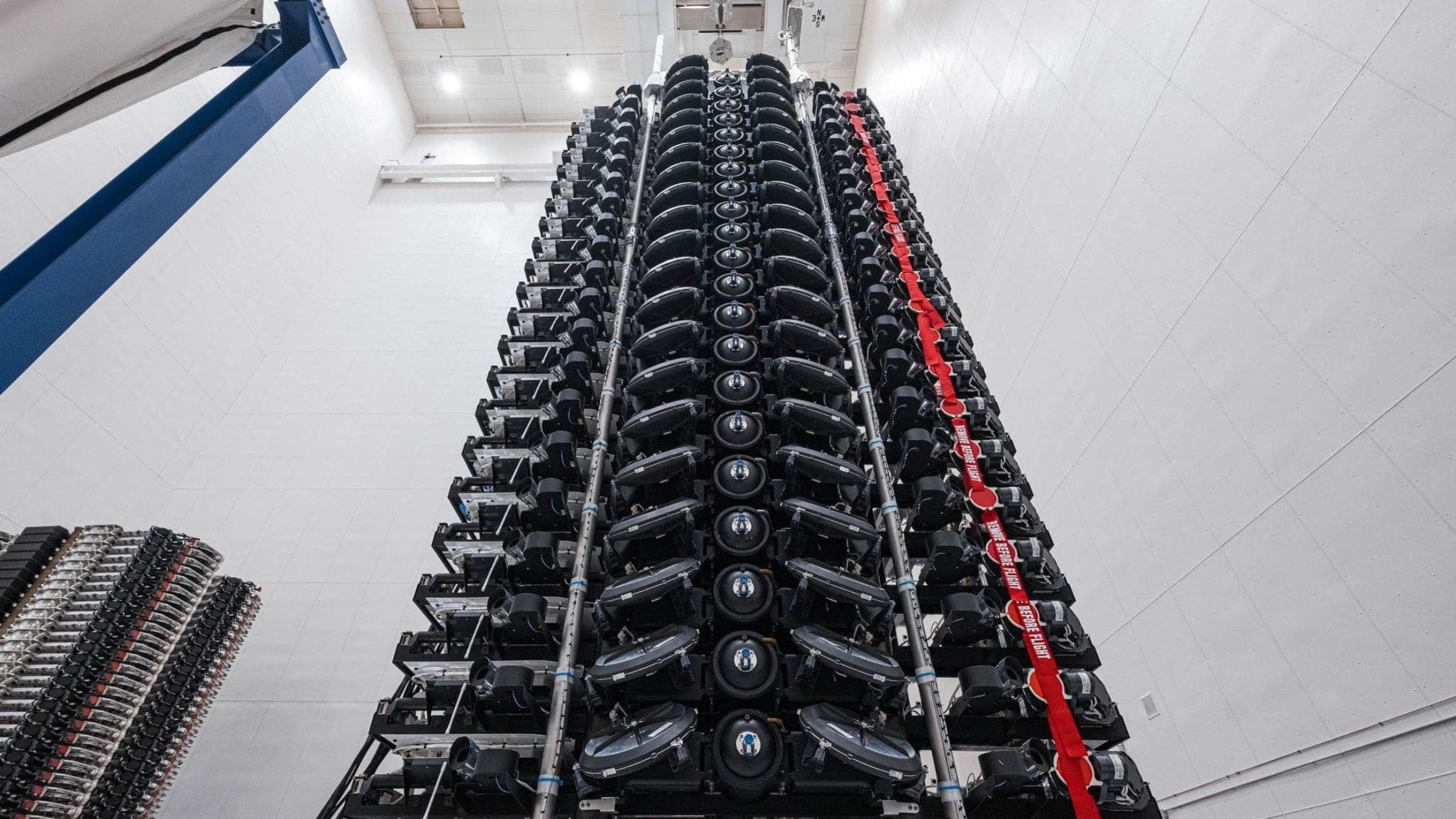
Starlink satellites are spacecraft with antennas, solar arrays, and propulsion. Hardware differs by generation. A row of lights in the night sky is a group of satellites after launch, not a view of the dish or solar panels themselves.

Check Lebanon on Starlink’s availability map and follow the official order process. Earlier launch estimates and reports of imported kits don’t establish current authorization or the right to use a roaming plan locally.

Satellite service for phones is separate from the Starlink broadband kit. Availability, supported phones, and features depend on your mobile carrier and country. Check your carrier’s current offer rather than using the broadband map as evidence of phone coverage.

Information12 min read
Compare the plans you can actually order, including installation, equipment terms, data allowances, and the full contract cost. Think about video calls and gaming as well as download speed. Older price tables below describe earlier offers.
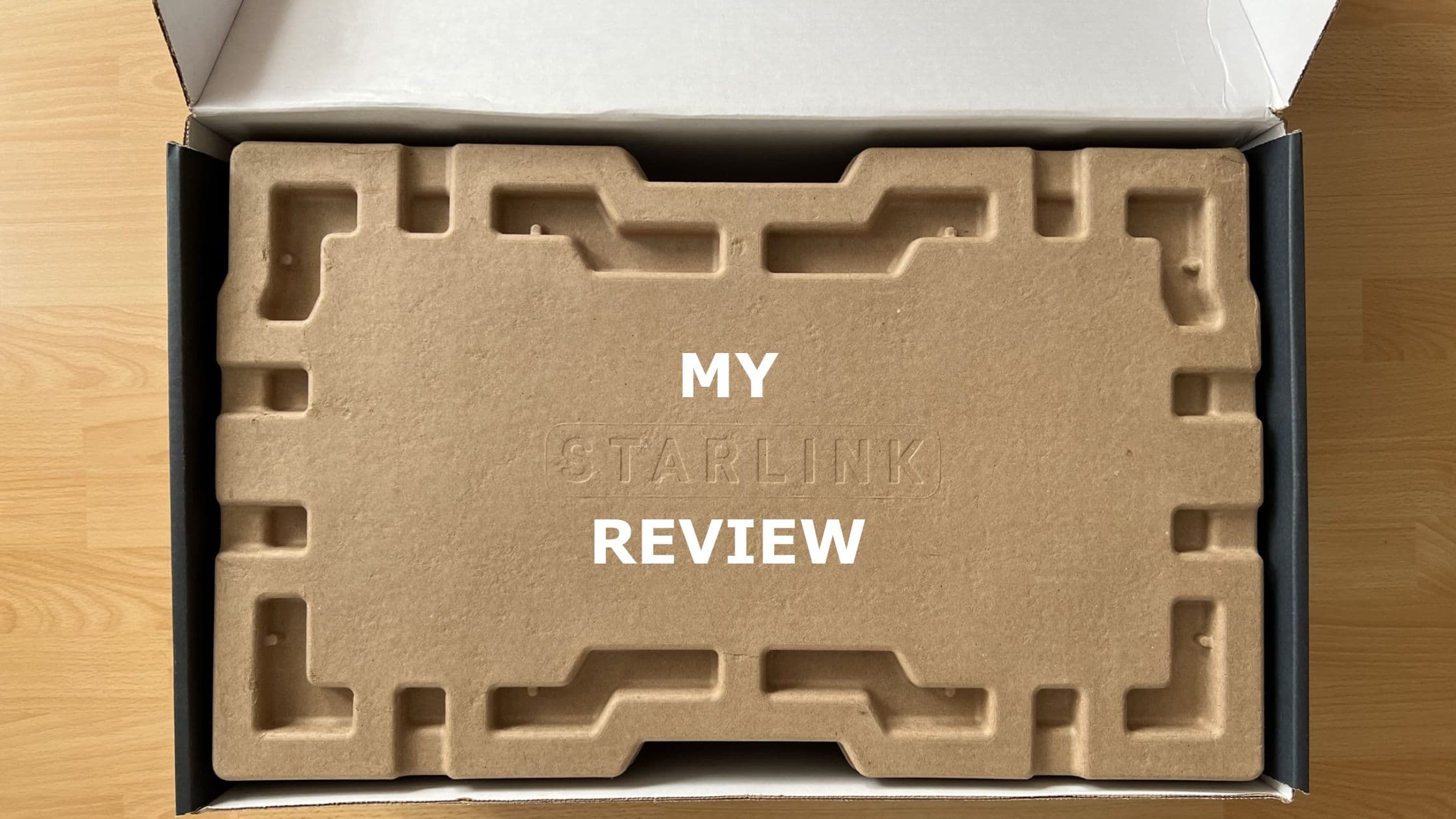
The personal review below records the author’s original experience. For a buying decision today, check the kit and plan offered at your address, look for a clear view of the sky, and compare the cost with local wired and mobile alternatives.

Information10 min read
NBN performance depends on the access technology at your address and the retail plan you choose. Compare that specific service with Starlink, including installation, congestion, latency, and total cost. A national comparison can hide big local differences.
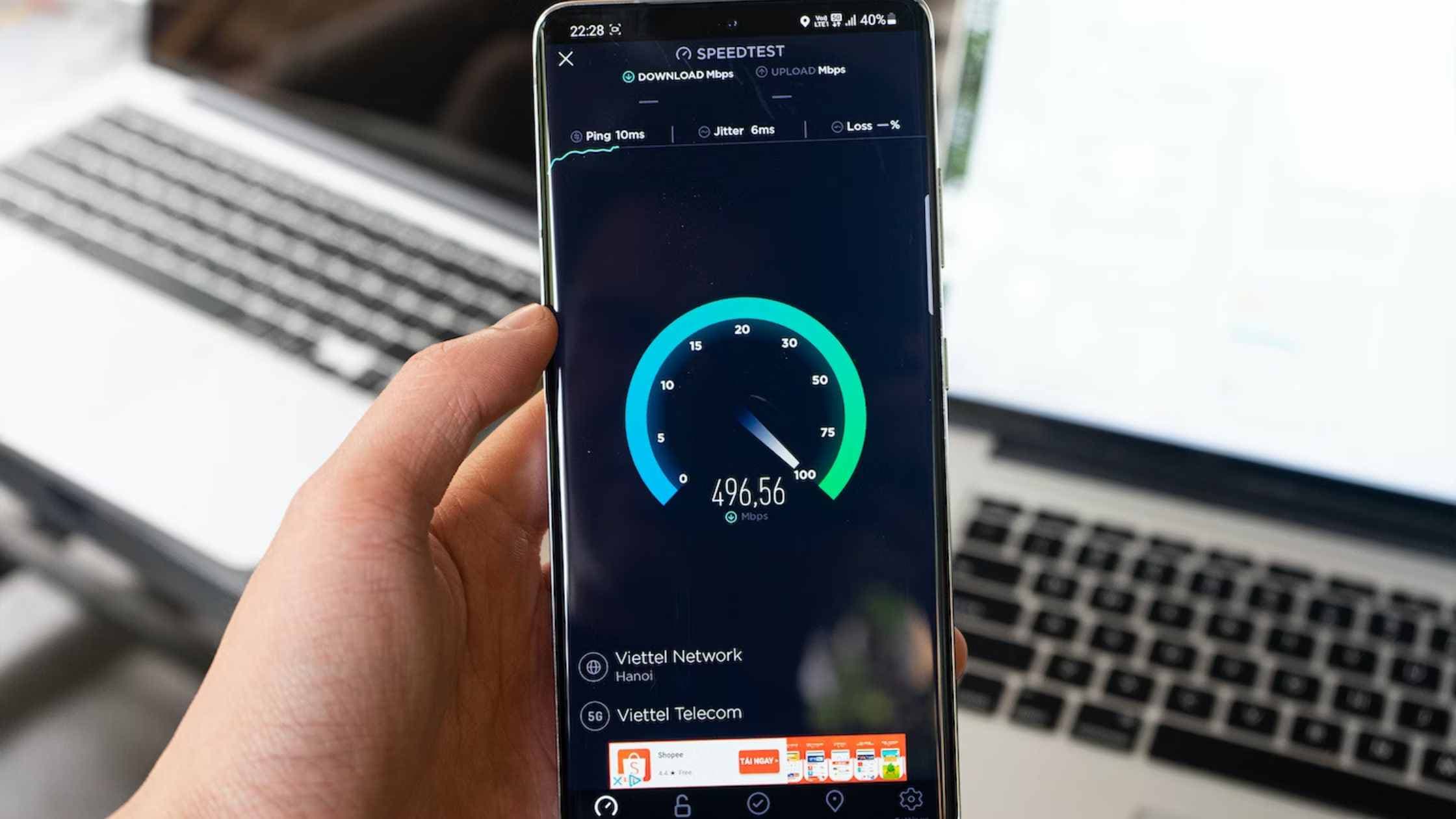
First separate Wi-Fi performance from internet performance. Test near the router, pause other downloads, and compare results at different times. Check obstructions and the app’s connection status before buying accessories or changing plans.