The folks at SpaceX and Starlink are certainly productive ones. After launching in Cyprus yesterday , Starlink is now also available in Guatemala. 🇬🇹 With the launch in the Central American country, Starlink's…
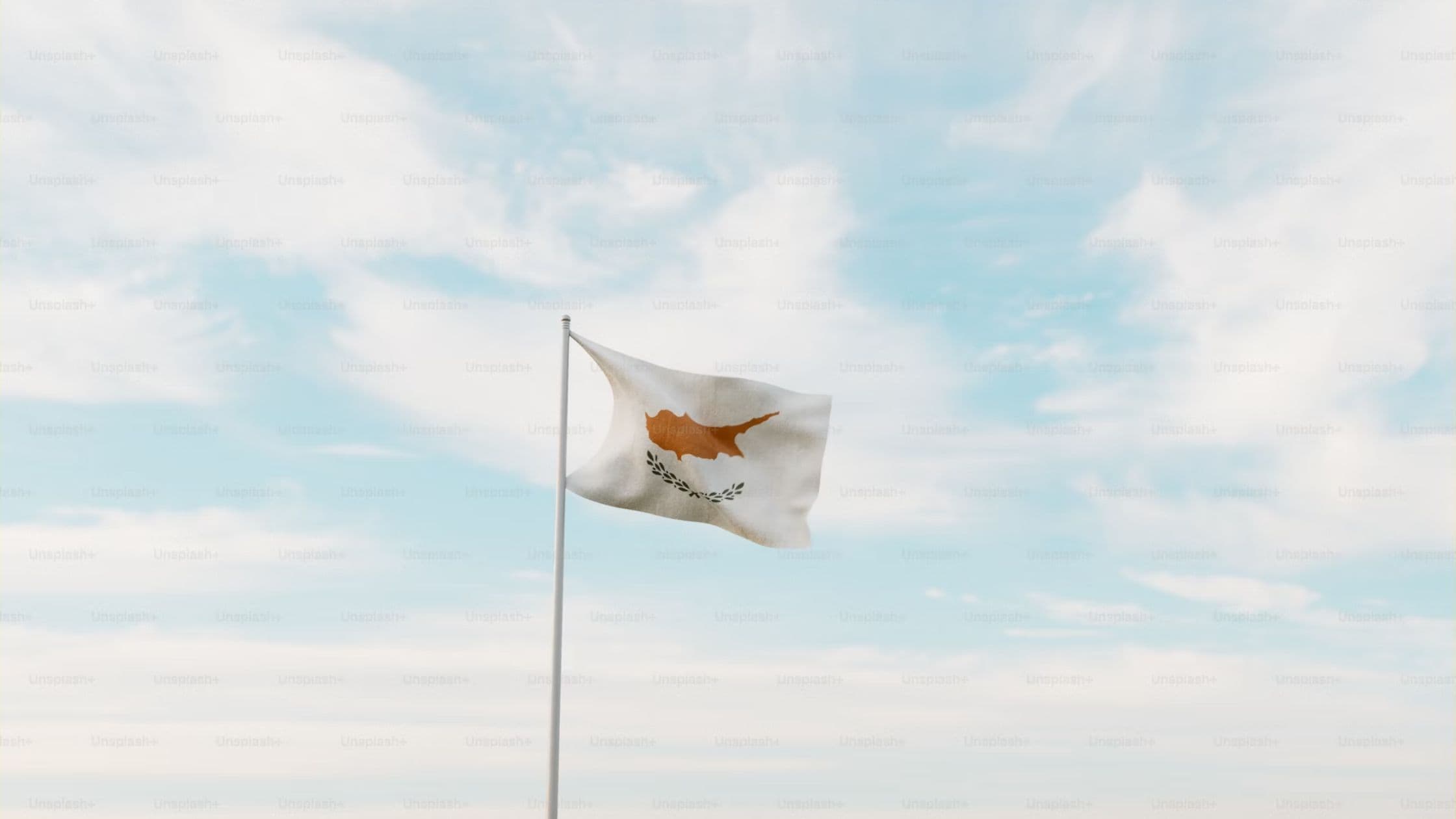
Starlink, via its Twitter account, just announced that it launched in Cyprus. 🇨🇾 The Cyprus launch marks Starlink's 59th market, following recent launches in Trinidad & Tobago , Mozambique , Panama , and more. In 2023…
Start with the app’s exact status message, power supply, and cable connections. Check for visible damage without opening powered equipment. If the app can’t communicate with the dish after basic checks, use the matching support instructions for your kit.
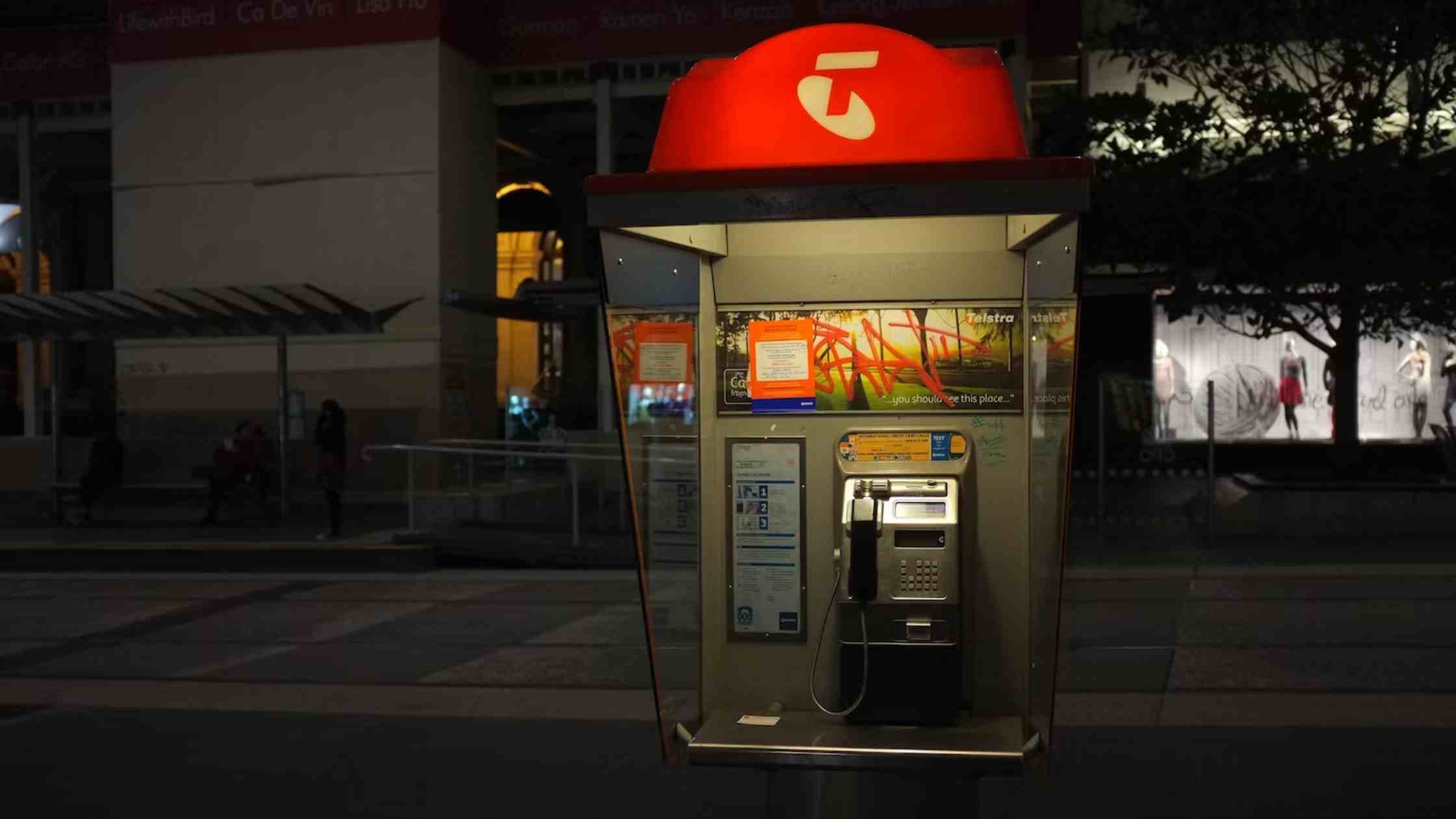
In an industry-first collaboration, Australia's Telstra is gearing up to offer voice and broadband services powered by Elon Musk's Starlink to rural and remote consumers and businesses, marking a significant step in…
First separate Wi-Fi performance from internet performance. Test near the router, pause other downloads, and compare results at different times. Check obstructions and the app’s connection status before buying accessories or changing plans.
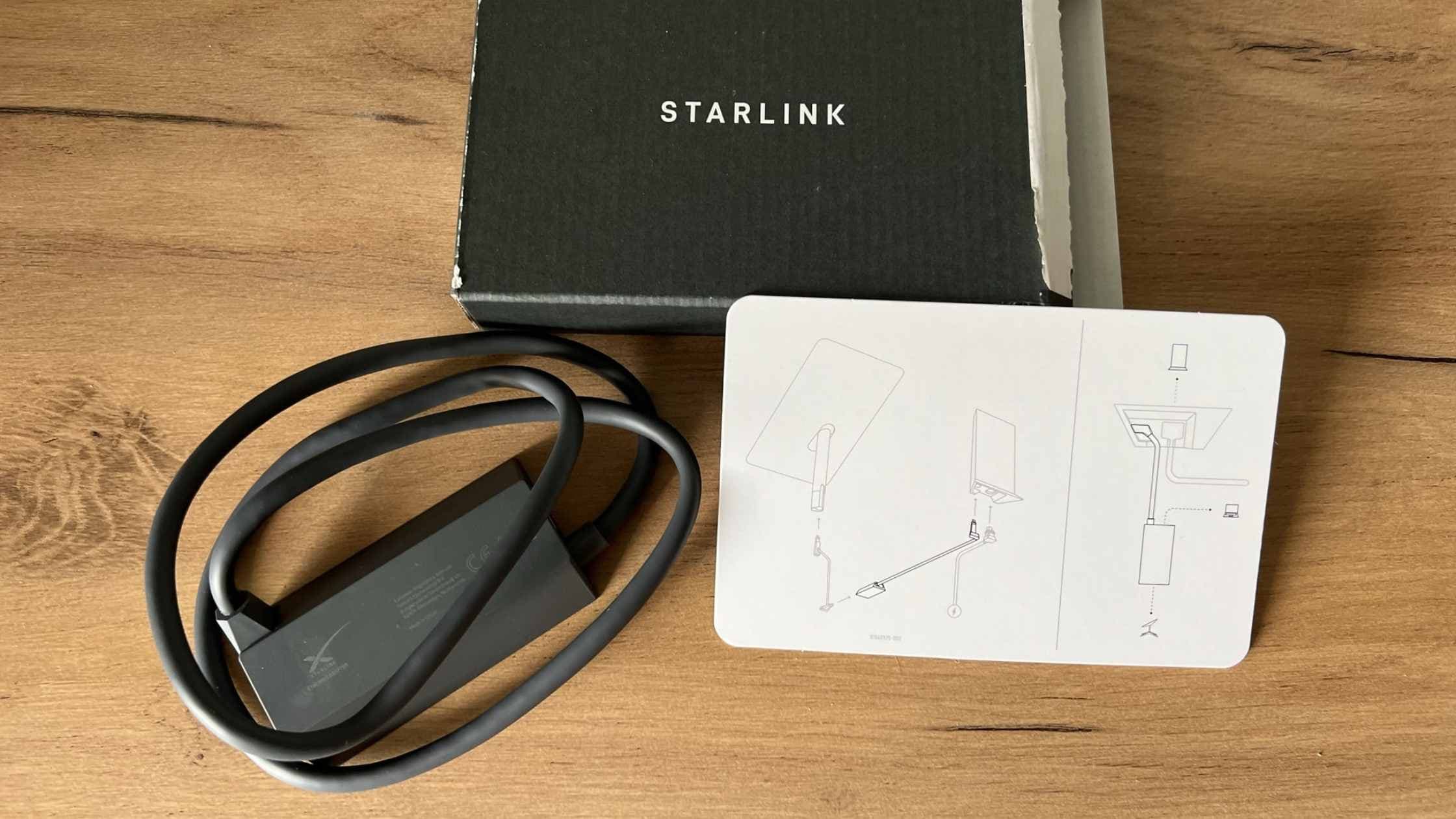
The Ethernet adapter is model-specific. Check the ports on your router and the accessories listed for your kit before buying one. A recommendation written for Standard Actuated hardware shouldn’t be applied automatically to Mini or a newer Standard kit.
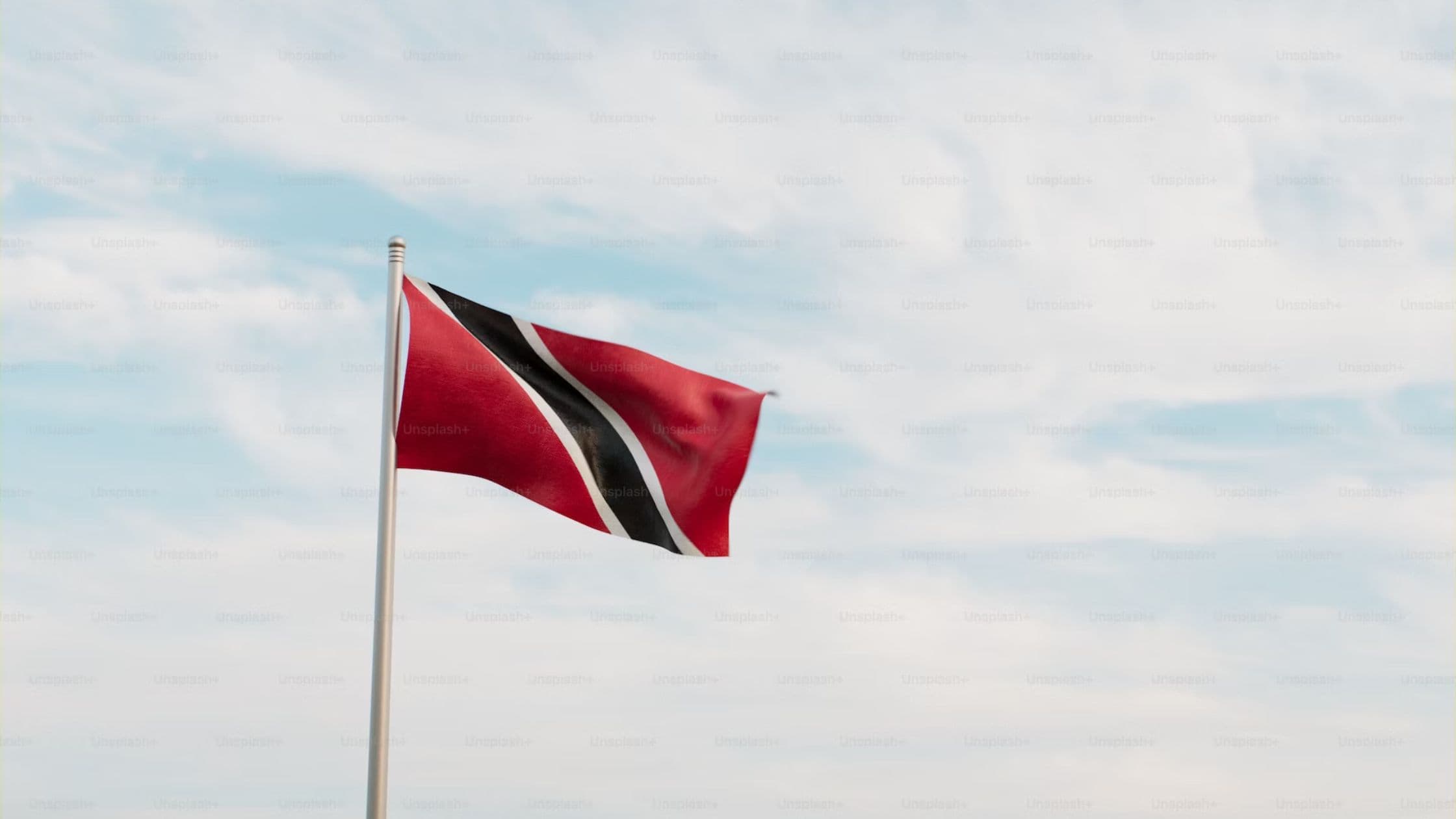
Starlink, via its newly created Twitter account, just announced that it launched in Trinidad and Tobago. 🇹🇹 The launch in Trinidad & Tobago represents Starlink's 58th commercial market and one of many in the Caribbean,…
Open the Starlink app while connected to the correct network and find the available router settings. Some controls depend on the hardware and account connection. Check the current help instructions before resetting a router just to reach a setting.
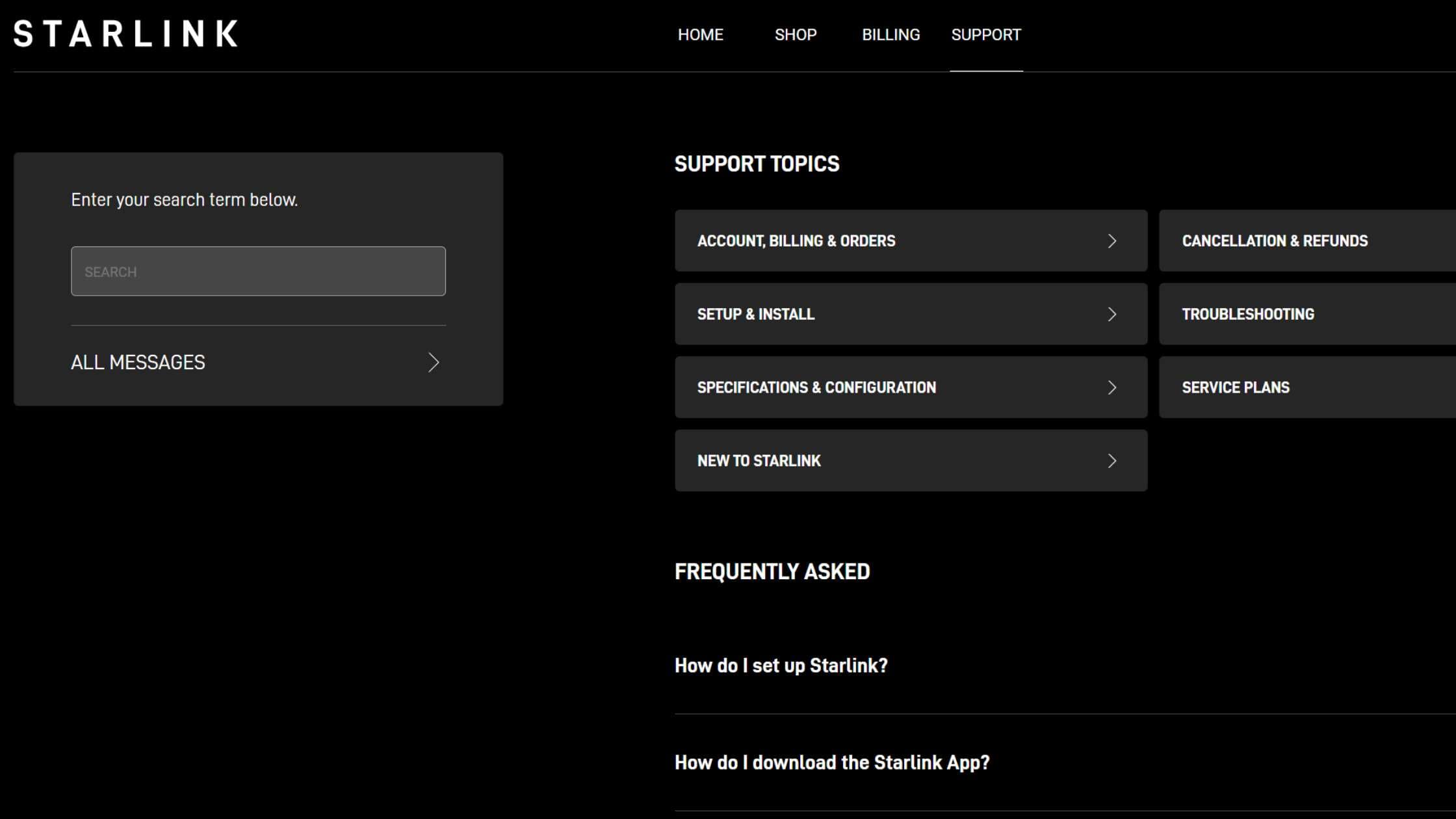
Start in Starlink’s Help Center, choose the topic that matches the problem, and use the contact options shown for your account. We can explain the process, but Starlink Insider can’t access your account or resolve a billing dispute.
Identify your kit, download the Starlink app, and check the intended location for obstructions before mounting anything. Follow the setup guide supplied for that exact model. Roof work, cable routing, and weatherproofing may need a qualified installer.